
Financial Reporting
Stop wasting days pulling data into static spreadsheets. BrightAnalytics automates your financial reporting from start to finish, delivering a real-time, single source of truth so your team can focus on analyzing the numbers, not compiling them
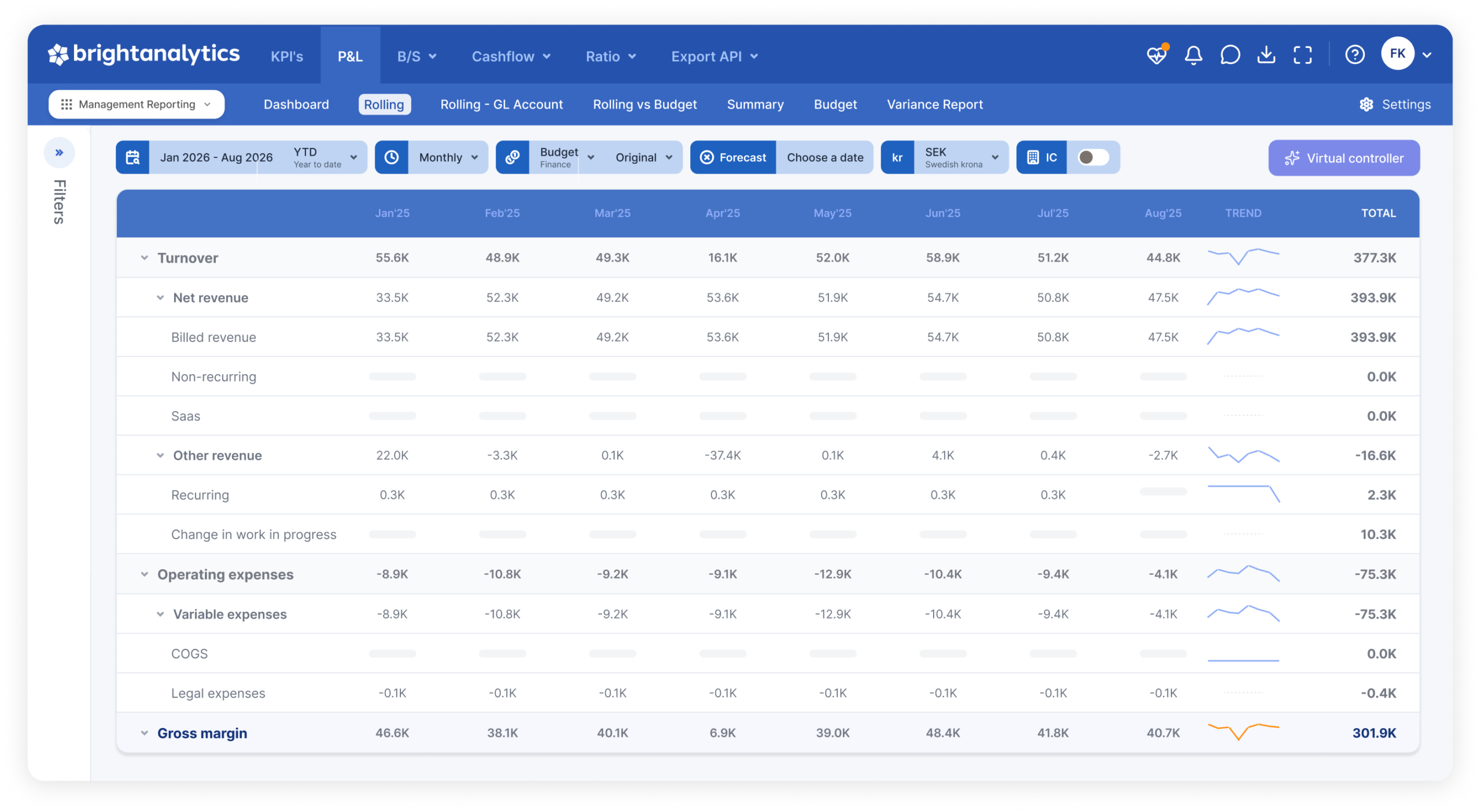
Your P&L, balance sheet, and cash flow, always current and always explainable
Financial reporting shouldn’t mean waiting on someone to export, map, and reconcile numbers before anyone can look at them. BrightAnalytics reads your data straight from source, applies your GL mapping and currency logic automatically, and gives you reports you can drill into the moment the numbers land.
Overview
P&L, balance sheet, and cash flow
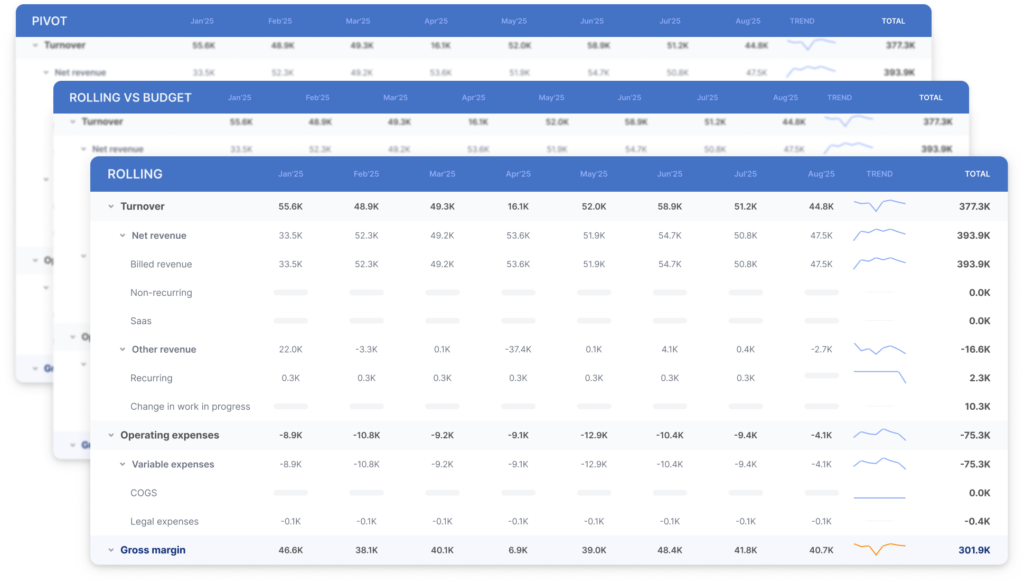
Work from customizable dashboards with rolling views, comparisons, and pivot tables. The balance sheet follows the same structure and logic as the P&L, so switching between them doesn’t mean relearning the report. Once both are set up, your cash flow statement is generated automatically using the indirect method.
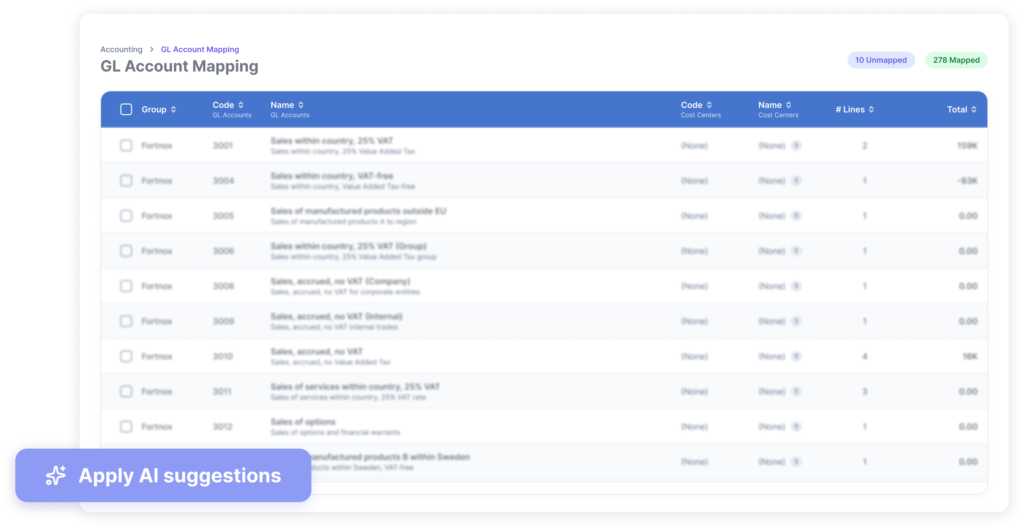
GL mapping, data enrichment, and drill-down
AI-assisted mapping suggestions match your GL accounts to your financial statements, so you approve instead of building the mapping by hand. Add management adjustments directly in the tool without touching your ERP, or automate recurring ones like allocations. Drill down from any total to the underlying transactions, and even the original invoice images where your accounting system supports it.
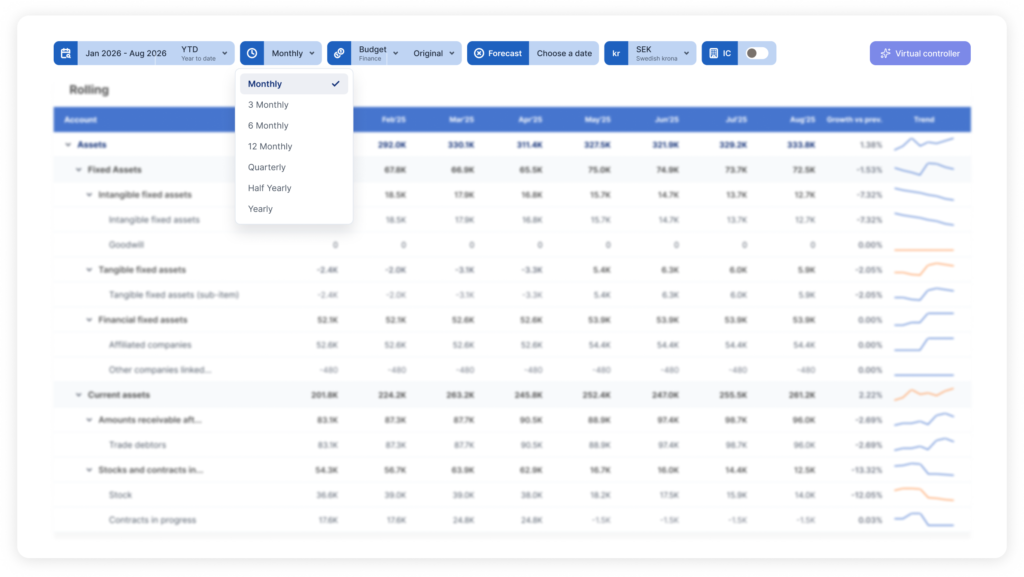
Compare any period, across financial years
Look at your numbers across financial years, not just within one. Switch between YTD, LTM, quarterly, and rolling views in a click, and compare any period against another to see what moved
Flux Agents compare your numbers against previous periods and budget, trace unusual deviations to the transactions behind them, and label each one by severity. Learn more about BrightAnalytics AI.
Multi-currency and CTA
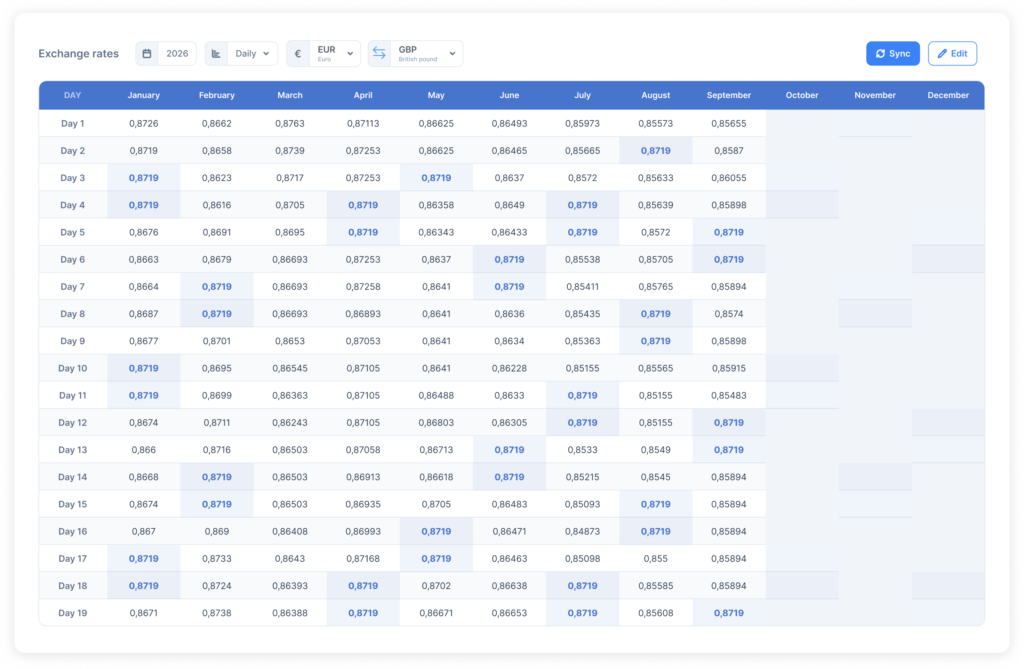
Report in the currencies your business actually runs in. BrightAnalytics pulls exchange rates directly from the European Central Bank and national central banks, then uses them to translate your foreign entities and calculate currency translation adjustments as part of consolidation. Differences across entities and financial years are handled along the way, so currency is never a separate manual step.
Direct integrations
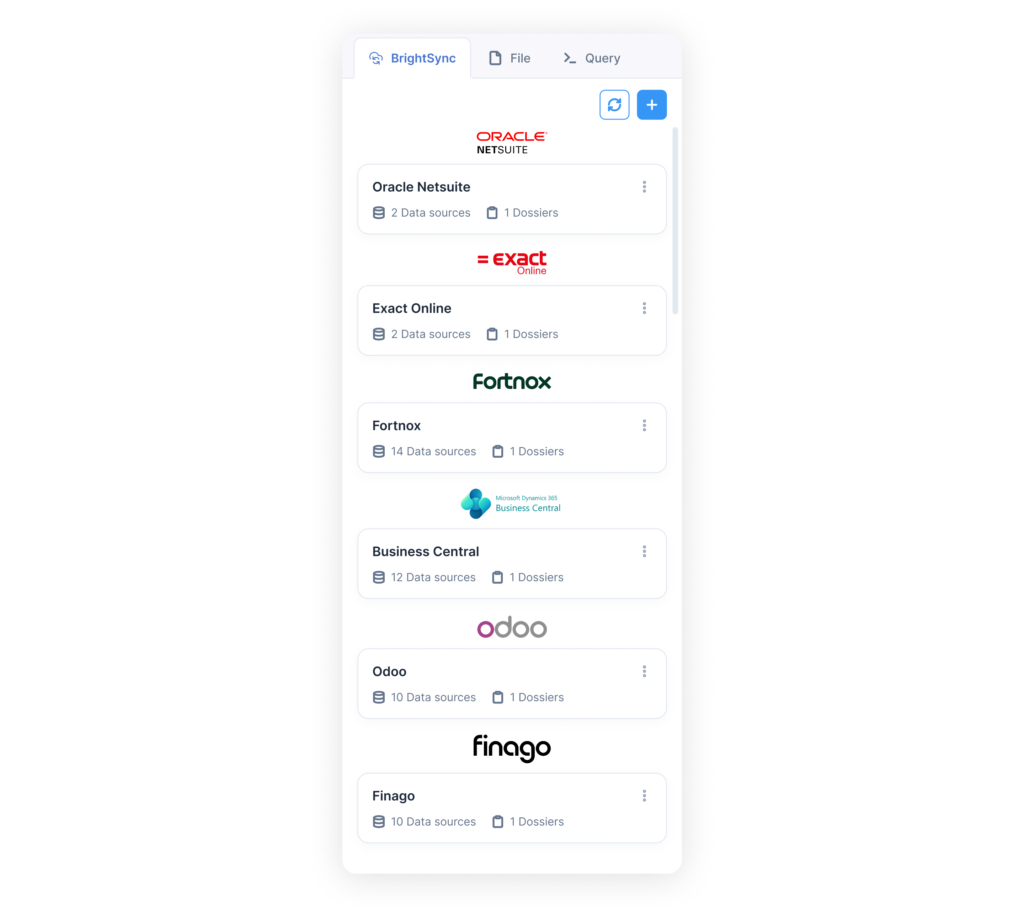
BrightAnalytics connects directly to the accounting systems and ERPs you already use, whether they run in the cloud or are installed locally on your own servers. Your data comes in straight from the source, so keeping reports up to date never means exporting files or uploading spreadsheets.
Additional reporting structures
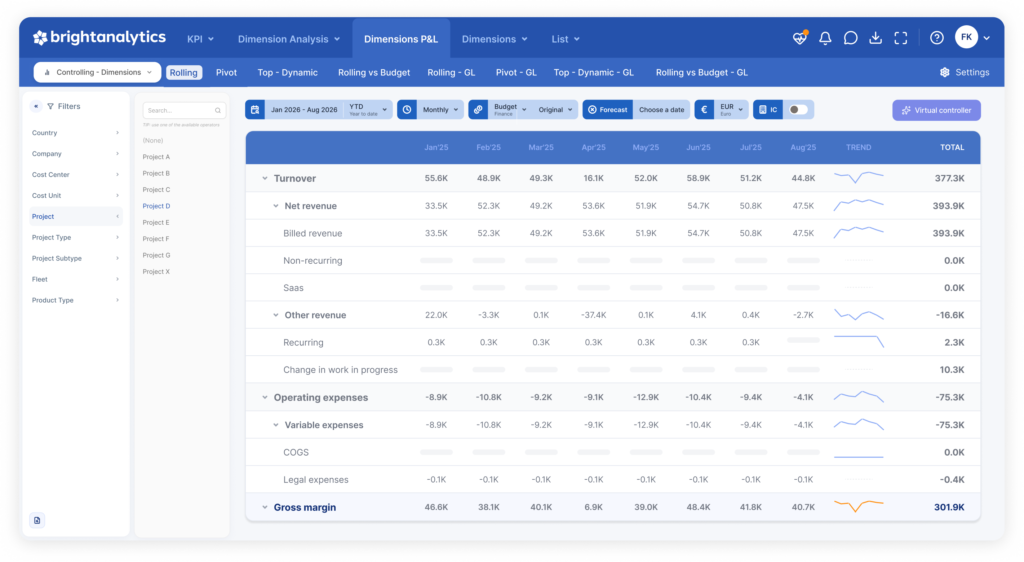
Report on more than your chart of accounts. Build structures around cost centers, departments, business lines, or whatever other dimensions your business reports on.
Custom Financial Reporting
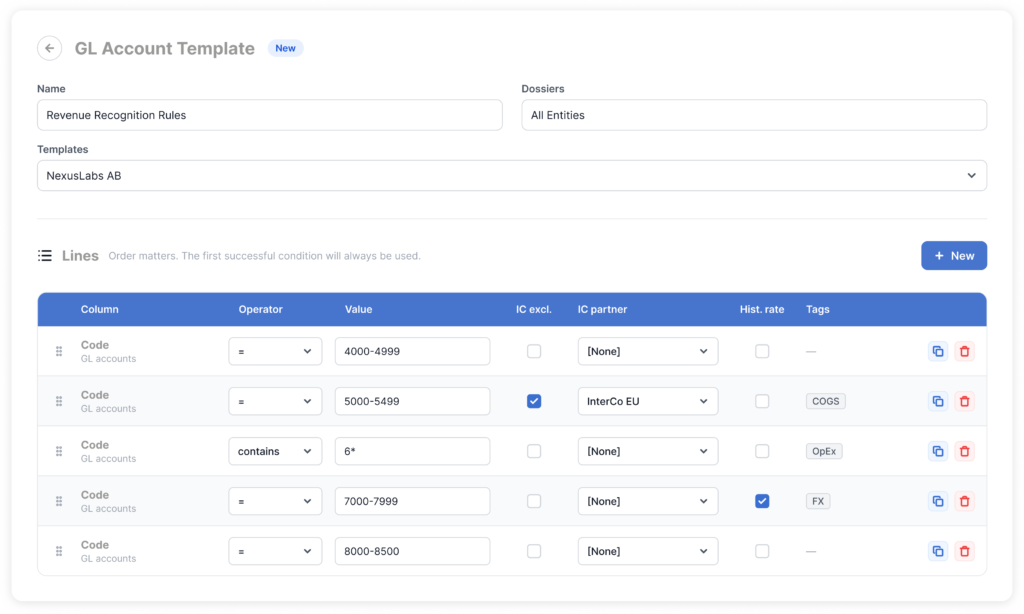
Use our templates as a starting point or build your own reports from scratch in the admin panel, tailored to exactly what your business needs to see.
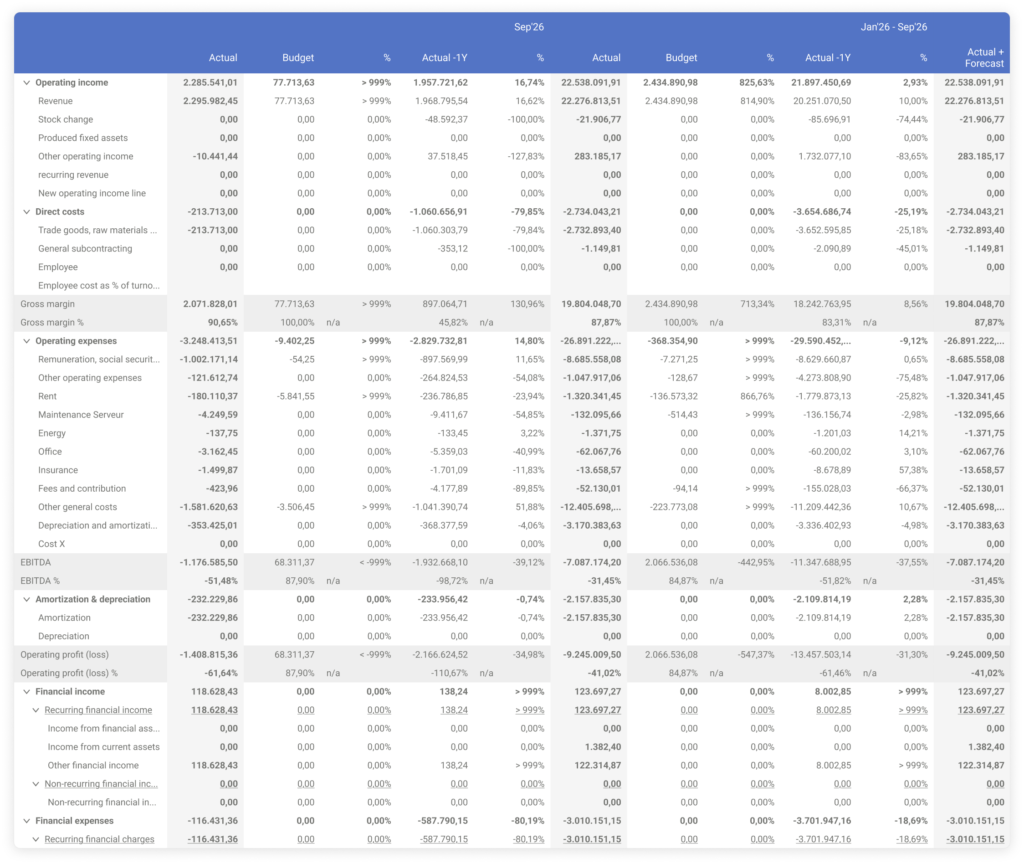
Actuals vs. budget
See actuals against budget side by side, with a summary view that shows where the business stands at a glance. It’s the report most management teams review every month, and it’s ready to use from day one.
What makes us different


Discover our apps






- Who is BrightAnalytics?
BrightAnalytics is a growing technology company. Our goal is to help companies streamline their management reporting processes.
- What is BrightAnalytics?
BrightAnalytics is the most intuitive, reliable and fast management reporting platform that covers all needs on management reporting and consolidation.
- How does BrightAnalytics work?
- Connect: BrightAnalytics connects with accounting, ERP and CRM systems, and centralises all data in the BrightAnalytics platform.
- Report: The standard templates in BrightAnalytics are immediately ready for use, but can be fully tailored to suit one’s needs.
- Analyse: The management reports and dashboards offer a wealth of information and immediately provide clear insight into the figures of the entire organisation.
- Engage: The clear reports contribute to a better streamlined business strategy and execution, and ensure transparency within the company.
- How do I connect BrightAnalytics to my package?
With our BrightSync we connect to more than 400 data sources. One of the biggest USP’s of the solution is our possibility to connect with every system.